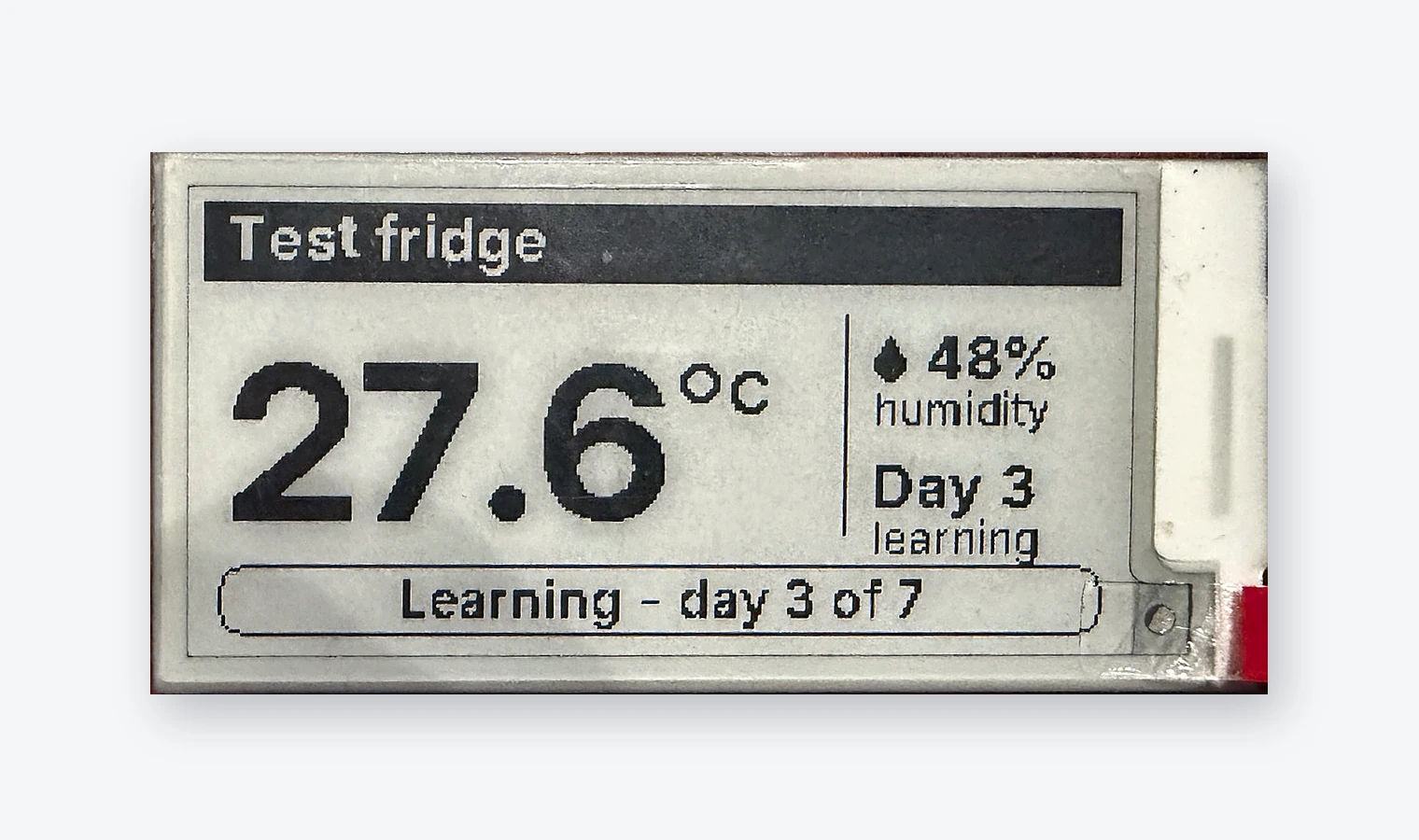
Place the sensor.
Label it for the right unit and check readings against a reference thermometer.

Keep your existing refrigerators. Place a battery-powered sensor in the unit, connect the gateway, and see your readings.
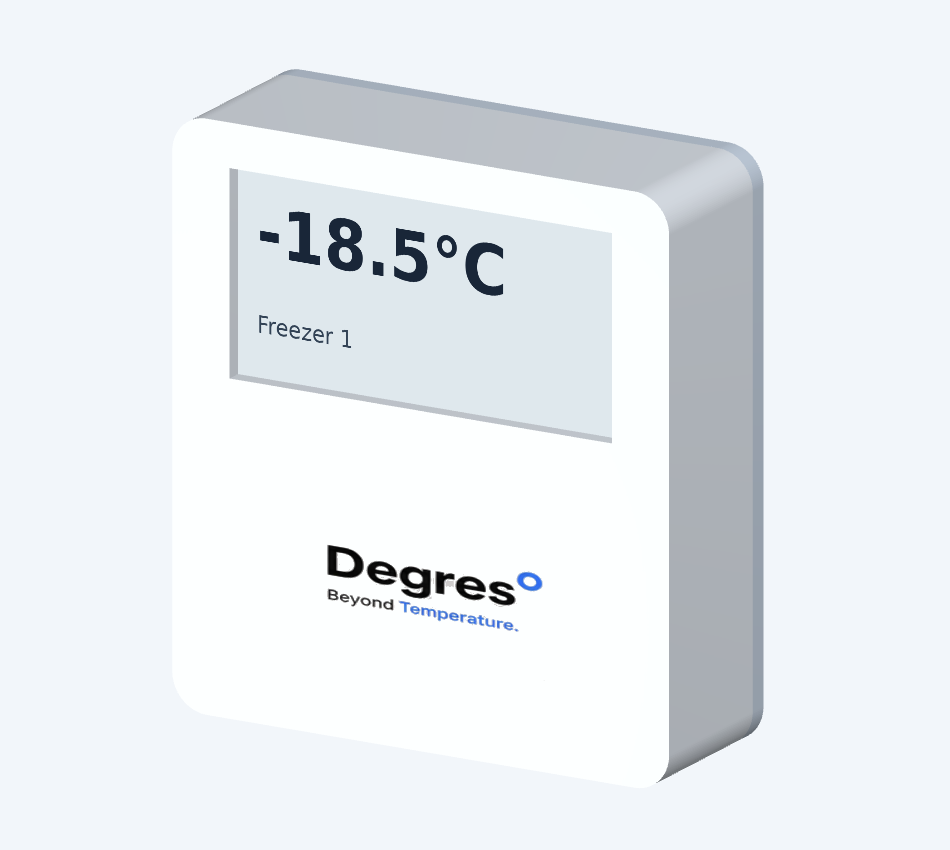 Sensor · prototype
No rewiring the refrigerator. Check connectivity on site before relying on alerts.
Label it for the right unit and check readings against a reference thermometer.
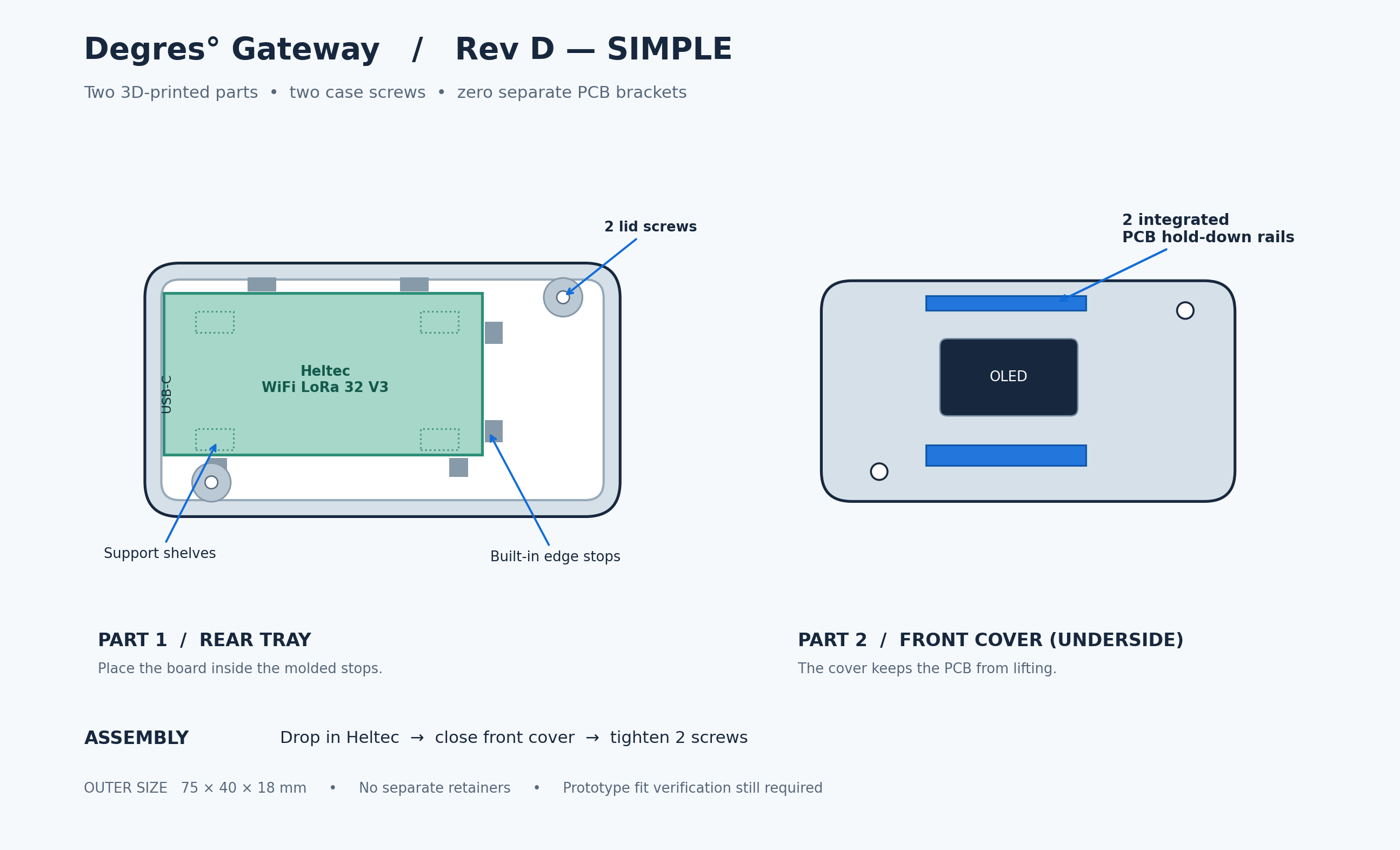
Connect USB-C and Wi-Fi. Verify the radio link with the fridge door shut.
Check the unit name, live reading and who will respond to an alert.
Choose a refrigeration type to see the first placement consideration.
Place the sensor in a representative air-temperature position, clear of carts and stored product. Test signal with the walk-in door closed.
Final placement is confirmed on site.